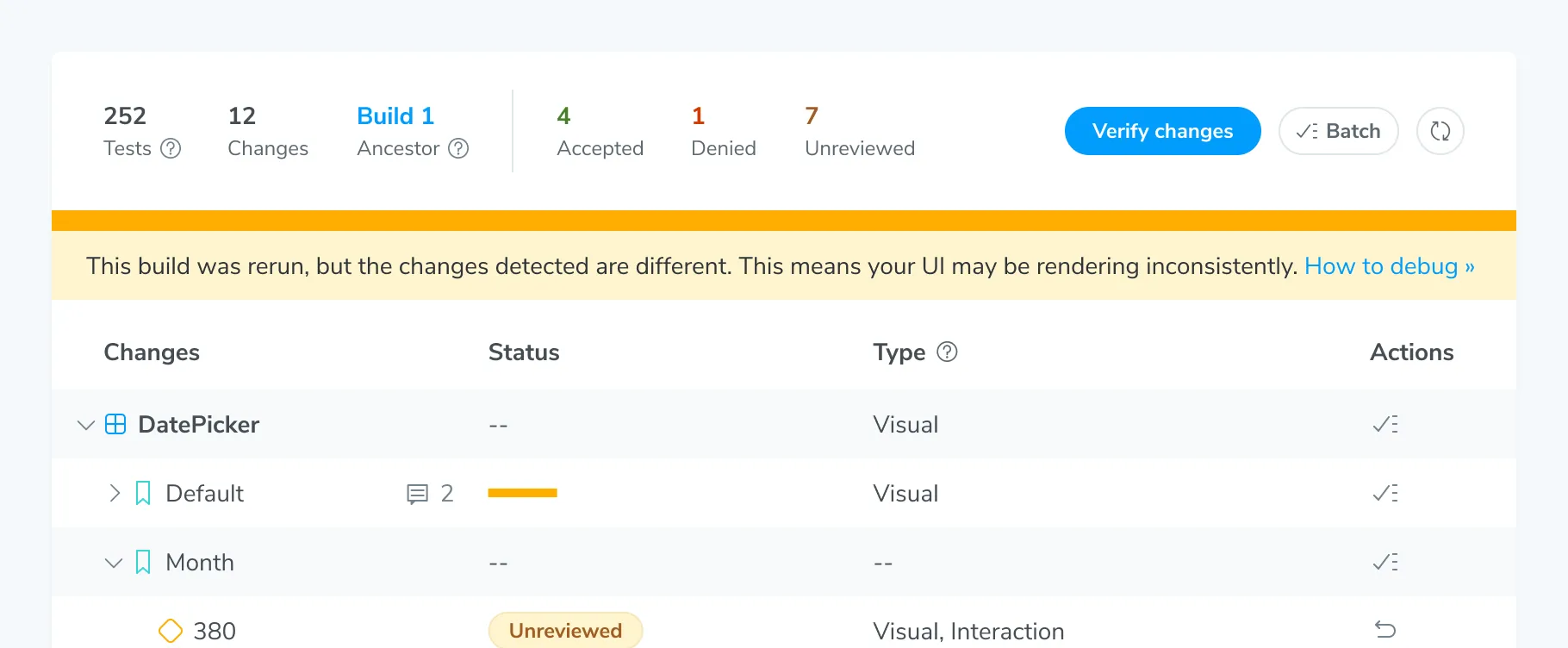
Rerun builds to identify unstable tests
Double-check whether a visual change is real or caused by test instability by retaking snapshots. Click the Rerun button to kick off a build with the same settings as the original build. Chromatic only captures snapshots for denied, unreviewed, or errored changes. It doesn’t recapture snapshots for accepted changes in a rerun build.
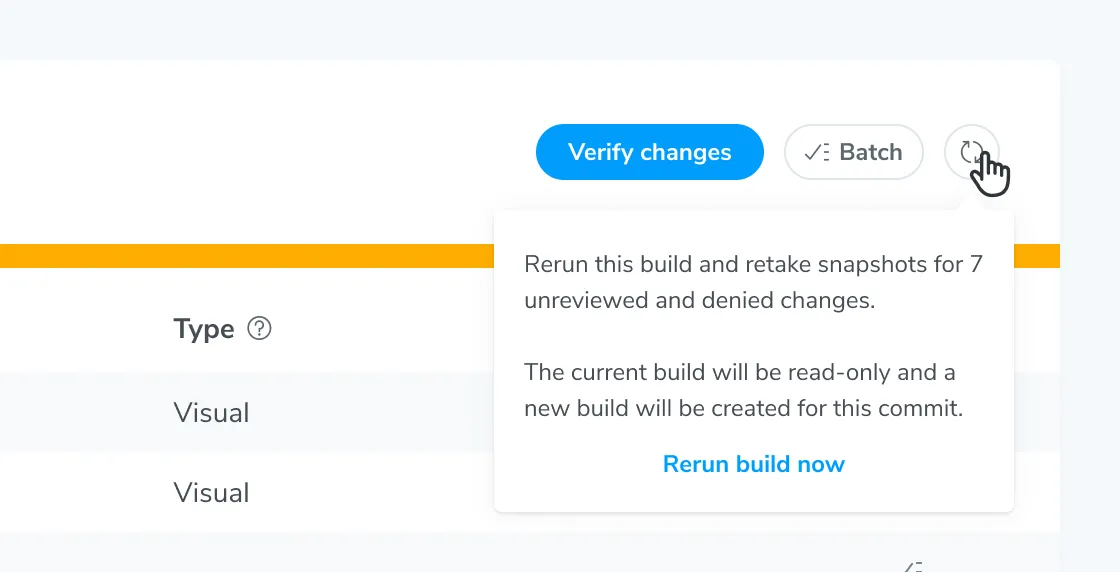
Compare the changes in the original and rerun builds. You might encounter these common scenarios:
-
Identical changes between builds: The snapshots show bona fide UI changes that need your verification. Continue the UI Tests workflow as usual.
-
Different changes between builds: The tests might be unstable and introducing false positives. Use the trace viewer to identify the root cause, then improve test stability.
When Chromatic detects potential test instability in a rerun build, it displays a message.