Where can I find projects shared with me?
Open the account menu in the upper-left corner. Projects shared with you appear under Shared with you.
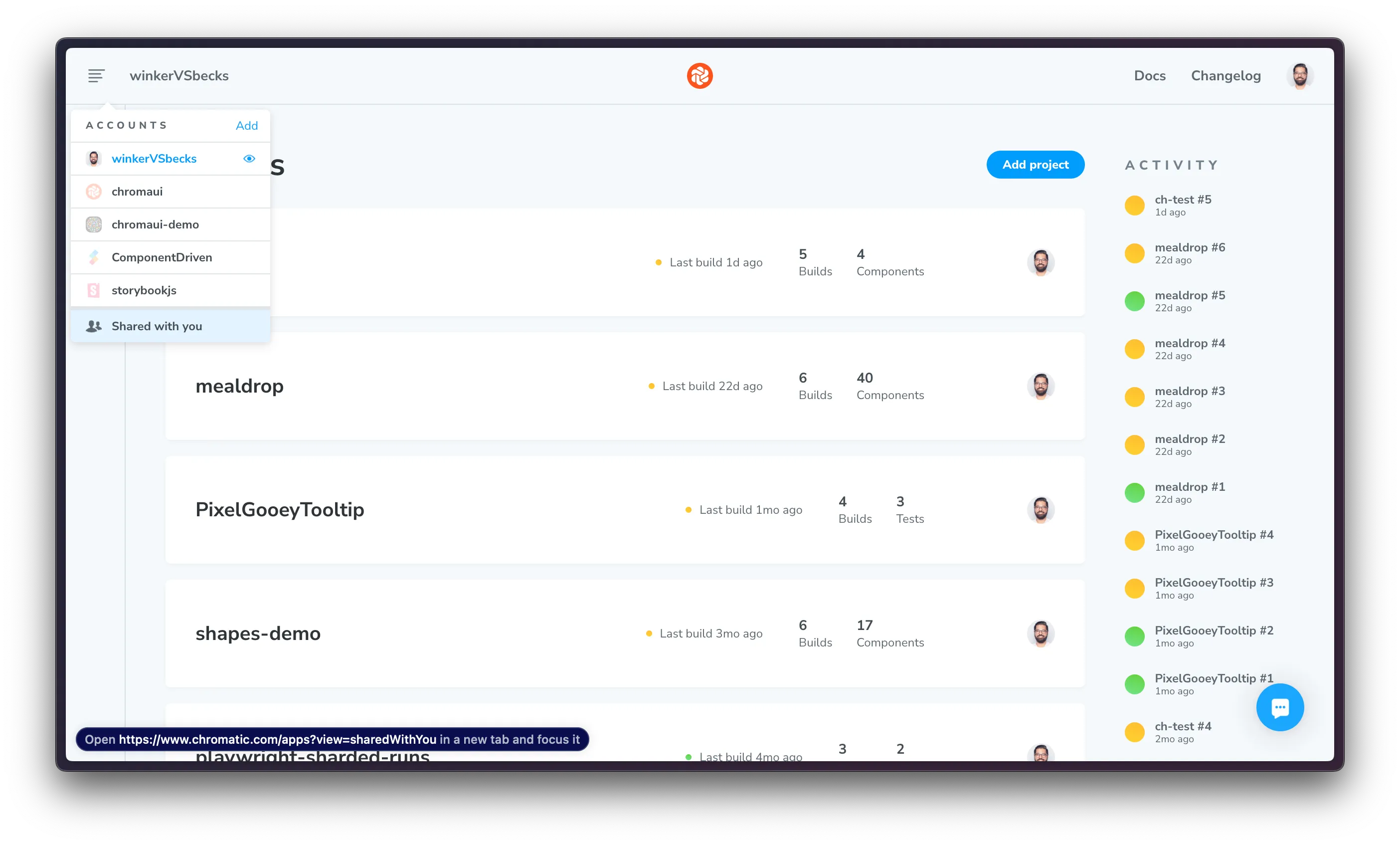
If you have direct access to a repository but aren’t a member of its Git organization, ask a project collaborator for the project URL. Open it once to sync your project access and make the project appear in the menu.
If you’re on the Create project screen, the account menu stays hidden until you create your first project. If you have the shared project’s URL, open it directly. Otherwise, create a project on your personal account to reveal the menu and find Shared with you.